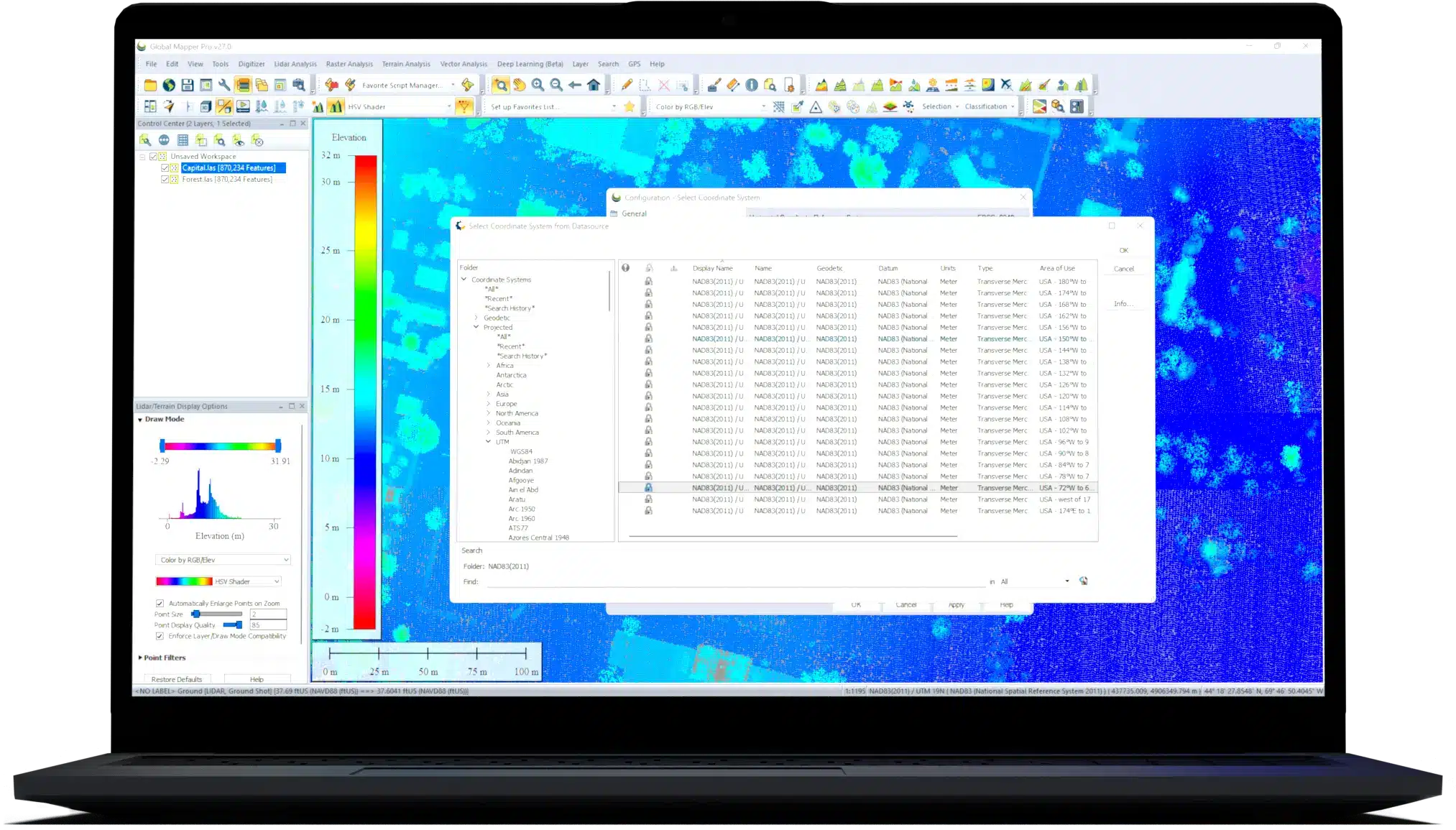
Global Mapper TM
Features
- Esri ArcSDE (requires ESRI license on machine and 32-bit only)
- Esri File Geodatabase (includes raster and grid and all versions of file geodatabses, requires ESRI license on machine and 32-bit only)
- Esri Personal Geodatabase (requires ESRI license on machine and 32-bit only)
- MySQL Spatial
- Oracle Spatial
- PostGIS/PostgreSQL
- SpatiaLite/SQLite
- Linear Profiling/Line of Sight
Any line feature on the map can be profiled to create a cross-sectional view of the underlying terrain. These profiles can be used to calculate a variety of statistics related to the elevation and slope along the path. Additionally, line of sight calculation can be used to visualize any obstructions that may interfere with the view along the profile path. This is especially useful for analysis of a radio or broadcast signal. - View Shed Calculation
Similar to line of sight calculation, the view shed analysis tool is typically used to determine the area covered, or not covered, from a broadcast site with a specified transmitter height. The view shed analysis determines the coverage in all directions within a specified radius from the signal source. Advanced options include Freznel Zone determination and signal strength loss over distance. - Watershed Delineation
Based on the terrain morphology, the watershed calculation tool determines the likely linear path of streams and the drainage or catchment areas of those streams. This tool can also be used to conduct water drop analysis, in which the theoretical flow pattern from a defined source can be mapped. - Contour Creation
Any imported or processed elevation layer can be used to generate contours in vector format. Options include customized contour interval spacing and polygon feature generation for determining the area above or below a specified height. - Cut and Fill Calculation
This powerful tool is used to precisely calculate the volume of material that must be cut and/or filled to flatten the terrain at a specified elevation. Cut and fill calculation can be performed on area features or along a line to simulate the digging of a trench. An optional feature allows the calculation of the break even height within an area. This represents the elevation value at which the cut and fill volumes will be the same. - Terrain Modification/Flattening
An elevation or z-value assigned to an area feature can be used to create an artificial horizontal plane in the terrain. This modified terrain modeling capability is particularly useful for visualizing construction sites or road cuts. - Sea Level Rise
Compute the areas covered when you raise the water level of selected areas or a fixed elevation by some height. This is useful for modeling the rise of a flood plain by some height or by modeling sea level rise. - Reprojecting
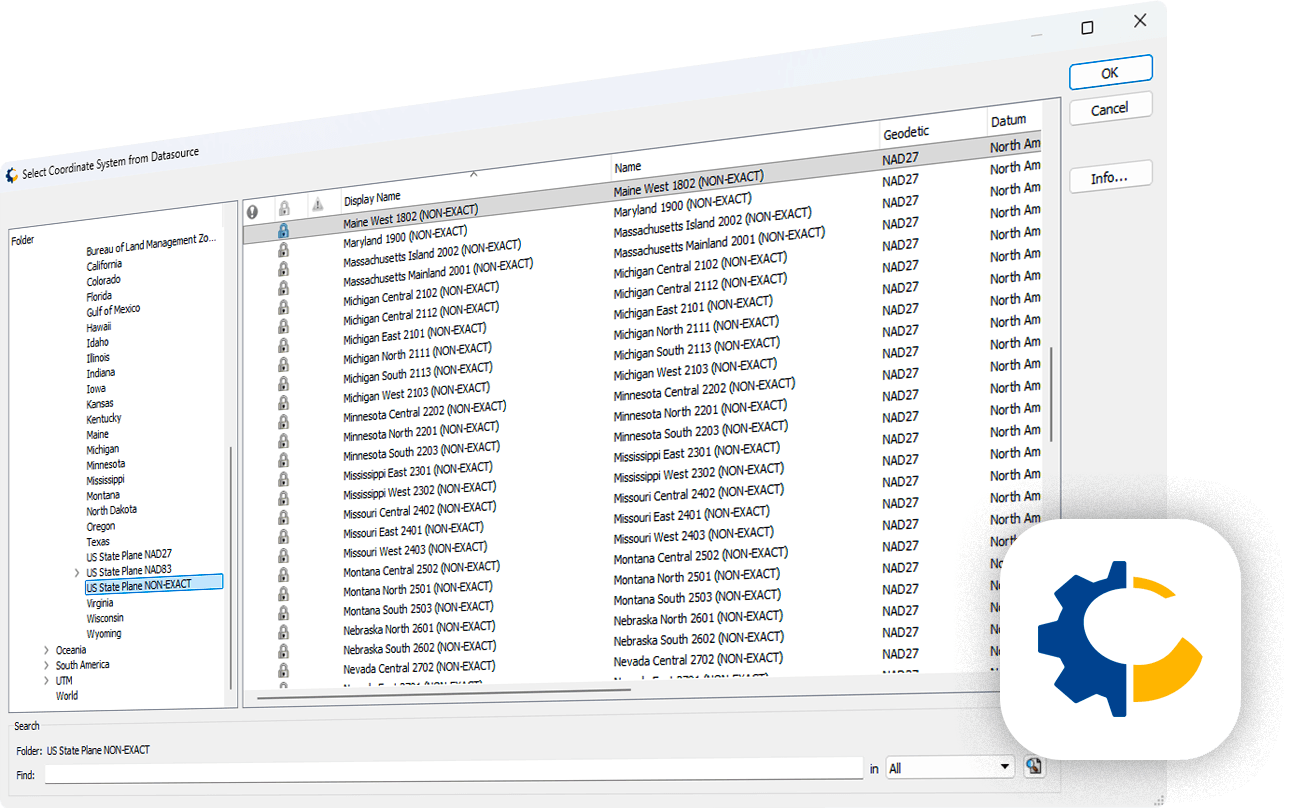
Regardless of its native projection parameters, any layer can be reprojected into another system prior to export. Dozens of projections are pre-built into the software and you can also configure the projection based on your own requirements. - Attribute Management
Global Mapper provides full attribute editing and processing functionality. As well as the standard attribute search capability, there is also a powerful search and replace tool. Advanced options include the ability to join a tabular file to append attribution to map features and a calculation function to derive new attributes from an existing attribute field. - Feature Extraction
An innovative feature extraction tool can be used with raster or elevation layers to create vector area features that share a common characteristic. This powerful function can be customized to analyze areas that match a particular color or color range, that are within a certain elevation, or that have a specified slope value. - Density Grid Calculation
Using a loaded point dataset, you can create a colorized density or heat map that highlights areas with the greatest concentration of points or the highest values in a numeric attribute within a point layer. - Batch Processing
To streamline your data processing workflow, Global Mapper offers a batch processing function that allows multiple selected files, or all compatible files within a specified folder, to be converted, reprojected, gridded, and renamed. - Capture Screen Contents
When all you need is a quick view of the map in a common image format, the screen capture function is the simplest option. If necessary, you can even add a world file or projection file so its location will be recognized by other GIS applications. - Printing
Global Mapper's page layout options include the ability to add a map heading, descriptive text, a horizontal and/or vertical scale bar, a compass rose, and a map legend. Additionally any image file or data layer can be placed at a fixed location on the screen to allow the placement of a corporate logo or banner on the printed map. The print process supports all standard and customized page sizes including large format or plotter printing. - PDF Generating
Similar in setup to the printing process, the PDF output process offers the option to create a Geospatial PDF from the current page layout. The resulting file includes the coordinate information as well as the individual layer characteristics so that, when viewed in a compatible PDF reader, the inherent geographic details can be displayed. - Web Tile Exporting
Global Mapper offers the option to export the current map view as a series of web-ready raster tiles that are compatible with common online map formats, such as Google and Bing Maps. This export process also generates an accompanying html file that is used to display the tiles within the selected format's web interface, complete with the common map navigation and layout tools. This preconfigured html file allows the map to be easily integrated into an existing web structure.
One of the unique and defining characteristics of Global Mapper is its extensive and varied data format support. Offering direct access to over 200 different raster, vector, and elevation data types, Global Mapper is sure to work with whatever data you typically use. With new and modified formats being added on an ongoing basis, you can be sure that the software will never be out of date with your data.
The list of export formats available within Global Mapper is as impressive as the supported data import types. Vector, raster, and elevation data can be exported in virtually every common file format as well as many proprietary types. During export, data can be gridded into smaller or more manageable files or the export area can be cropped to a defined area or to the extent of the current screen view.
Import and export data from your spatial databases. Global Mapper includes support for the following spatial databases:
View and process point files in the hundreds of millions range. A dramatic increase in LiDAR processing and display speed is beneficial for previewing the data before creating a gridded surface model and includes several options for filtering the data during import and for rendering the point cloud to reflect return type or intensity. Metadata access provides a detailed statistical breakdown of the point cloud and customizable point size improves on-screen display. Global Mapper Package (.GMP) files are able to store LiDAR point clouds in a special compressed format, much smaller than uncompressed LAS data and on par with the best compression available today. This allows LiDAR data to be efficiently archived or shared with other Global Mapper users. The latest version of Global Mapper includes searching by elevations, a point loading slider bar, reporting tools for point cloud density and improved import and export options including point cloud to DXF/DWG.
With many data GIS administrators choosing to distribute data through web-based services instead of offering file downloads or disk media, there is now a vast quantity of readily available spatial data just a mouse click away. Global Mapper's online data function includes direct links to many of these data services including one-meter aerial imagery for the U.S., worldwide elevation data, topographic maps, Landsat satellite imagery, land cover data, and much more. Furthermore, if a local agency or organization develops a Web Mapping Service, a custom link to this data can be easily added to the online data source list. These web-based datasets can be either streamed in real time or exported to a local file for offline use.
Through agreements with commercial data vendors, Global Mapper also offers fee-based access to premium spatial datasets. Using the Online Data function, you can download high-resolution imagery from DigitalGlobe, elevation data from Intermap, or US Land Parcel Data from Corelogic.
Global Mapper has built in support for importing and exporting Google Earth data in KML/KMZ format.
A standard function of Global Mapper is its ability to import virtually any image file and to create a geographically aligned and scaled raster layer. The Image rectification process supports the manual input of image pixel and corresponding ground control coordinates, or the simple tagging of recognizable points on the image as well as the corresponding locations on a base map layer. Advanced options allow the selection of the rectification method, resampling scheme, and ground control projection parameters.
The resulting raster layer can be analyzed and processed just like any other imported layer and can be exported in any one of the supported raster formats.
Global Mapper includes a powerful geocoding function that allows real-world coordinates to be assigned to an imported database of addresses. The geocoding process can use either a preconfigured online service or a user-imported road network to accurately determine the point that represents the location of each address. If necessary, this data, including the coordinate values, can be exported in tabular form or plotted on the map to provide a visual perspective.
As well as offering unrivaled access to preexisting spatial datasets, Global Mapper provides a vast array of digitizing tools for creating and/or editing features on the map. As well as the standard point, line and area creating functions, there are also tools for creating specialized geometric features such as range rings, grids, and buffer areas. Advanced coordinate geometry input can be employed to create objects on the map by simply typing the geometric dimensions of each segment.
Editing functions include rotating, scaling, and moving features on the map. Modifications can be applied to entire features or to individual vertices that determine the shape and size of a feature.
Global Mapper offers limitless possibilities for assigning specific visual characteristics to vector features on the map. Preinstalled or custom symbols can be attributed to points; multiple line styles and weights can be applied to linear features; and solid or patterned fill shading can be assigned to area features. The appearance of features in Global Mapper is usually controlled by the style that has been established for each feature type but the style can also reflect an attribute of the data allowing for the creation of thematic maps.
Many functions in Global Mapper can be performed by initiating a script. Formatted as a simple ASCII file, a script is commonly used to automate repeating or recurring tasks, eliminating the need to manually process your data. Scripting language supports importing, converting, reprojecting, analyzing, calculating attributes, splitting layers, interactively prompting users for files and folders and exporting all supported data formats and can either be run from within Global Mapper or as a standalone process.
Global Mapper includes several powerful terrain analysis tools that allow you to process or model elevation data. These functions are included as part of the standard installation and require no additional extensions or plug-in components.
Global Mapper includes numerous functions for processing imported data.
Global Mapper contains a full featured dedicated menu for GPS data management. With a compatible GPS receiver attached to your computer, you can track your location in real time superimposed on any available map or data layer. Additionally you can create waypoints from your current location or record a track log to delineate your movement and much more.
When it comes time to share your maps or data, Global Mapper offers may output choices.